Why Is My Midea Dehumidifier Not Shutting Off?
Your Midea dehumidifier is not shutting off most often because the target humidity is set too low, the tank is not seated correctly, the room is too humid for its capacity, or continuous fan mode is on. Check those four causes first, then clean the filter and confirm the unit has steady airflow.
On this page (11 sections)
- Is the humidity target set too low for the room?
- Does continuous mode or fan-only mode keep it running?
- Why does the Midea dehumidifier auto shutoff wont shutoff power issue happen with a full tank?
- Is the room too humid or too large for the unit?
- Can a dirty filter or blocked airflow stop the shutoff?
- Is the humidistat sensor reading the wrong humidity?
- What should you check when the unit will not shut off power at all?
- When should you use a non-electric option while you troubleshoot?
- Can a dirty whole-house filter affect humidity control?
- How do you prevent the problem from coming back?
- When should you stop troubleshooting and get help?
Your Midea dehumidifier not shutting off usually means it still thinks the air is too humid or it is set to keep running. The pattern owners describe most often traces back to settings, tank seating, or a room load larger than the unit can handle.
Start with the simplest checks before you assume a failed sensor. Work through the causes below in order, because each one can keep the compressor and fan going even when the room feels dry.
Is the humidity target set too low for the room?
A target of 30% or lower can keep a Midea running for hours in a damp basement. Many rooms cannot reach that level without a larger unit, so the humidistat never sees its goal.
Set the target to 45% to 50% for a test period and watch the display. If the unit shuts off at the higher setting, the load was the problem, not a broken shutoff.
Keep doors closed to wet areas and place the unit in the center with at least 12 inches clear around it. A corner beside a damp wall can trap humid air around the sensor.
Does continuous mode or fan-only mode keep it running?
Continuous mode is designed to run without a shutoff, and fan-only mode can make it feel broken. Check the display for continuous, fan, or laundry drying icons first.
Turn off continuous mode and set the fan to auto. Some models keep a low fan running for sensor readings even when the compressor stops.
If you use a timer, confirm it is not set to continuous. It can override the humidistat goal and keep power on longer than expected.
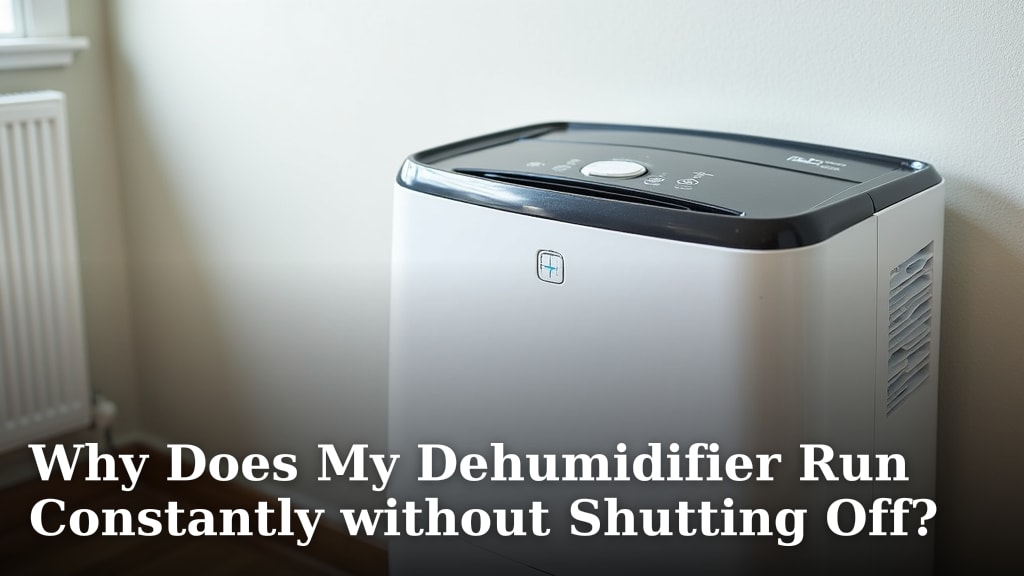
For a broader look, see Why Does My Dehumidifier Run Constantly without Shutting Off?.
Why does the Midea dehumidifier auto shutoff wont shutoff power issue happen with a full tank?
A full tank normally stops the unit, so a running unit points to a tank that is not fully seated. The float needs the tank in its exact position to register correctly.
Remove the tank, empty it, and set it back with a firm press. Listen for a click or a change in the display light, then restart the unit.
Check the tank and float for cracks or mineral buildup. A stuck float can fail to signal a full tank, and film on contacts can interfere on some models.
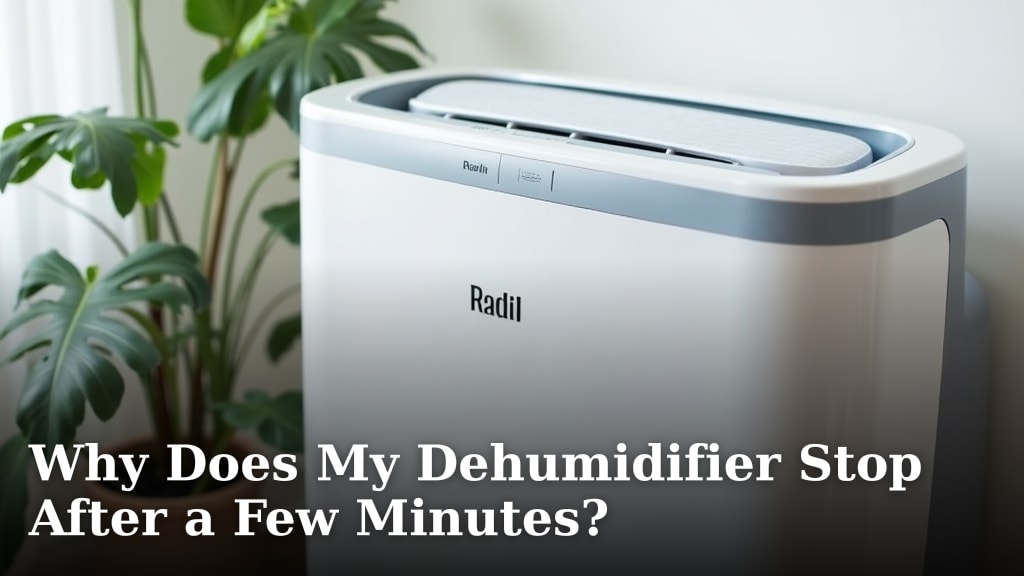
If the unit stops after a few minutes with a full-tank warning, our guide to Why Does My Dehumidifier Stop After a Few Minutes? covers that opposite problem.
Is the room too humid or too large for the unit?
Constant running often means the dehumidifier is undersized for the space and moisture load. A unit rated for a small room will not pull a large basement down to target, so it never earns a shutoff.
Look at the pint rating and room size in your manual. If the space is larger than the rating, move the unit to the wettest area or add a second unit rather than forcing one unit to do all the work.
Season matters as well. Summer air carries more moisture, and a basement that was fine in winter can overwhelm the same unit in July.
A tank that fills every few hours while the room still feels clammy also signals load beating capacity.
How do you test whether size is the cause?
Close the space down and run one unit in a smaller area for 24 hours. If it shuts off normally in the smaller area, the original space was too large or too wet.
During the test, keep the target at 50% and the fan on auto. Record the display reading every few hours so you can see whether it is climbing, holding, or falling.
If the reading plateaus well above target, capacity is likely the limit. If it reaches target and still runs, check continuous mode and the tank seat again.
Can a dirty filter or blocked airflow stop the shutoff?
A clogged filter lowers airflow and efficiency, so the unit runs longer to reach the same goal. It rarely blocks shutoff by itself, but it makes every other cause worse.
Turn the unit off and unplug it before you touch the filter. Remove the rear or side filter, rinse it if the manual allows, or vacuum it gently, then let it dry fully before refitting.
Check the intake and outlet for dust, pet hair, or storage boxes pushed too close. Even a few inches of blocked airflow can raise the humidity reading around the sensor.
Do not run the unit without the filter in place. Clean the grille with a soft brush while the filter is out.
Is the humidistat sensor reading the wrong humidity?
The sensor reads the air right around the unit, not the whole room. A unit tucked beside a damp wall or its own warm exhaust can read high while the rest of the room is fine.
Move the unit at least 3 feet from walls and away from direct drafts. Keep it on a flat, level surface so the tank and float sit correctly.
Do not place the unit near a space heater, a sunny window, or a furnace vent. Those heat sources change how the sensor reads the air and can confuse shutoff logic.
Give the unit 30 minutes to settle after you move it. Sensors need time to match the new location, so an early reading may not reflect the room.
What should you check when the unit will not shut off power at all?
If the unit never pauses after a reset, treat it as a control or sensor fault and stop running it continuously. Unplug it, empty the tank, clean the filter, and restart it with a 50% target and auto fan.
Watch it for a full cycle. Note whether the compressor clicks off, whether fan speed changes, and whether any light or beep appears.
Reset the unit by unplugging it for 60 seconds, then plugging it in again. A reset can clear a stuck mode, but it will not fix a failed humidistat or damaged tank float.
If it restarts into continuous running, check the manual for a factory reset or mode lock. Do not open the cabinet or bypass the tank sensor.
When should you use a non-electric option while you troubleshoot?
A passive absorber can help in a small, closed space while you sort out the Midea settings. It will not replace a powered unit in a large basement, but it can hold down moisture in a closet or storage area.
The DampRid Moisture Absorber Hi-Capacity Bucket is a 4 lb fragrance free bucket for larger spaces, and DampRid says it lasts up to 6 months with no electricity required. It attracts and traps excess moisture and uses a sealed safety cover.
Use a passive option only as a stopgap. It cannot pull a whole room to a target humidity the way a compressor unit can, so keep troubleshooting the Midea shutoff rather than relying on the bucket alone.
Can a dirty whole-house filter affect humidity control?
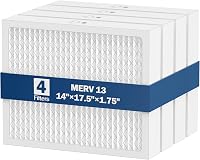
A loaded whole-house filter can reduce HVAC airflow, which changes how your furnace or air conditioner handles moisture. It does not control a portable Midea directly, but it can keep indoor humidity higher than it should be.
The AprilAire 410 Replacement Filter for AprilAire Whole House Air Purifiers is a MERV 11 filter in a 16x25x4 size. AprilAire says it removes up to 96% of dust, pollen, and common allergens and lasts up to 12 months.
We checked the specs for fit before listing it here. It fits AprilAire models 1410, 1610, 2410, 2416, and 3410, so confirm your model before you order.
A humidifier panel is a different part from a dehumidifier control. The AprilAire 10 Water Panel Humidifier Filter Replacement is a water panel for AprilAire whole-house humidifier models 110, 220, 500, 500A, 500M, 550, 550A, and 558.
It is a 2-pack and AprilAire says to replace the panel twice during the season.
That panel adds moisture, so it is useful in winter when heating dries the air. It will not fix a Midea that runs too long in summer, and the two systems should not be run against each other.
How do you prevent the problem from coming back?
Keep the target at 45% to 50%, the filter clean, and the tank seated, and the shutoff usually behaves. Those three habits cover most repeat cases we found in owner reports.
Empty the tank before it reaches the full mark. A tank that sits near full for days can strain the float and leaves no margin during a humid night.
Clean the filter every 2 weeks in dusty spaces and at least monthly in normal use. Run the unit in the wettest part of the space with doors closed, and let it settle 30 minutes after a move before judging the sensor.
For context on normal cycling, read how long should dehumidify cycle last. That guide helps you tell normal cycling from a fault.
When should you stop troubleshooting and get help?
Get help if the unit runs nonstop after a reset, if the tank sensor fails repeatedly, or if you smell burning or see water leaking. Those signs point past settings and into parts that need a technician or a replacement.
Also check the opposite fault before you return a unit. If it stops on its own, Why Does My Dehumidifier Shut Off by Itself? explains tank, heat, and sensor causes for sudden stops.
If it never worked over the winter, Why Is My New Dehumidifier Not Working? covers setup errors that can mimic a shutoff fault.
When you shop for a replacement, compare shutoff features in our guide to the Best Dehumidifier With Auto Shutoff. Look for a clear tank sensor, an auto fan option, and a humidistat that lets you set a realistic target.
Frequently asked questions
Why will my Midea dehumidifier not shut off even when the room feels dry?
The built-in humidistat may read higher humidity near the sensor than elsewhere in the room, or the target is set below what the space can reach. Close doors and windows, move the sensor away from walls, and test a higher target for a day.
Does my Midea dehumidifier run continuously because the tank is full?
A full or misseated tank usually stops the compressor and starts a beep or light, rather than running forever. Empty the tank, reseat it firmly, and check the float.
If it still runs, the problem is more likely settings, load, or airflow.
What should I do if my Midea dehumidifier wont shut off power at all?
Turn it off, unplug it, empty and reseat the tank, clean the filter, and restart with a moderate humidity target and auto fan. If it restarts and runs without a pause, check the manual for continuous mode and contact Midea support.
How long should a dehumidifier cycle last before it shuts off?
A normal cycle depends on room size, humidity load, temperature, and target setting, so minutes and hours are both possible. Our guide on how long should dehumidify cycle last explains what a healthy cycle looks like.